
CLI
#The margo command checks Markdown, renders standalone artifacts, builds linked
sites, and serves development previews. Its command boundary is deliberately
explicit: generated bytes and reports use stdout, failures use stderr, and file
replacement always requires an opt-in.
This guide documents the installed command surface. Use margo help COMMAND
to confirm flags for the exact binary in an automation environment.
Install and check the version
Install the latest release in the Go environment that owns the build, then record its identity before producing artifacts:
go install github.com/araihu/margo/cmd/margo@latest
margo version
margo doctor
go install places the binary in GOBIN, or in the Go bin directory when
GOBIN is unset. The @latest suffix resolves the newest published release.
version reports the installed build; doctor separately checks available PDF
renderers.
A runnable example workspace
The examples below assume this small source tree. Create it once from an empty working directory:
mkdir -p margo-cli-example/docs margo-cli-example/build

cat > margo-cli-example/docs/index.md <<'MARKDOWN'
---
title: Example manual
description: A small manual used to exercise the Margo CLI.
language: en
---

# Example manual

Read the [publishing guide](guide.md#publish-once).
MARKDOWN

cat > margo-cli-example/docs/guide.md <<'MARKDOWN'
---
title: Publishing guide
description: A verified input for standalone Margo commands.
language: en
---

# Publishing guide

## Publish once

Keep the source in Git and write generated artifacts to a fresh build path.
MARKDOWN

cd margo-cli-example
Generated HTML preview
Running margo html docs/guide.md --output build/guide.html produces a
self-contained document like the one below. Open the generated HTML in a new
page to inspect the actual browser output.
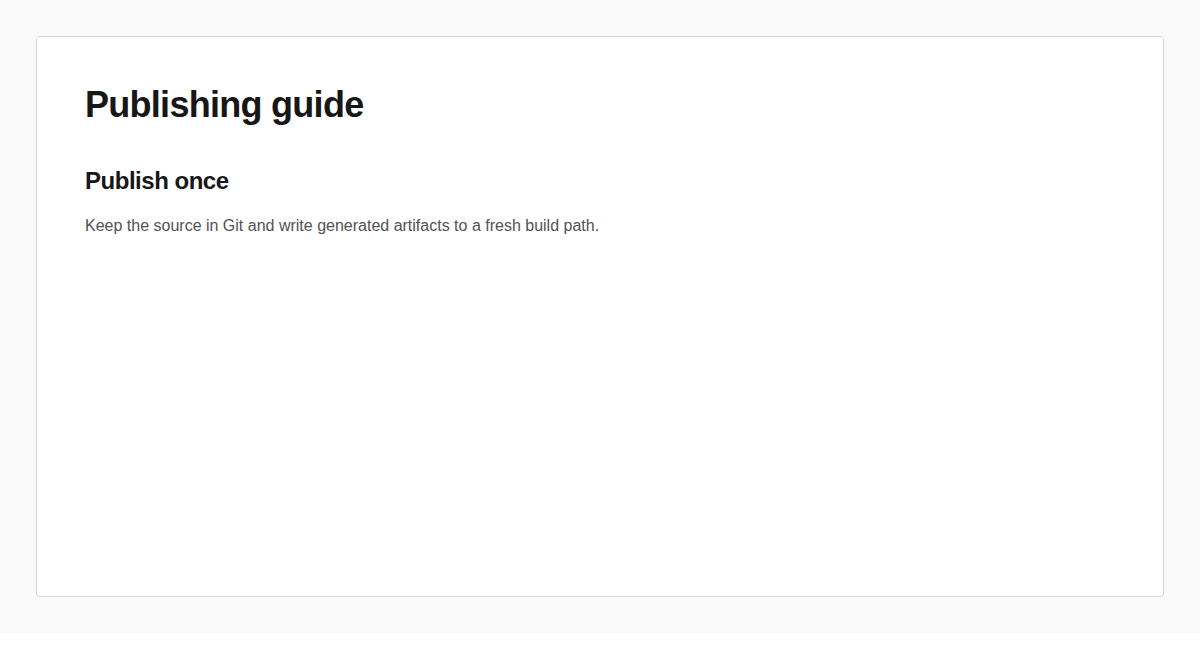
The examples never require raw HTML or an iframe policy. Commands that accept a
single document can replace the path with - to read Markdown from stdin.
stdin, stdout, stderr, and exit status
Margo's process contract is stable across the main commands:
| Command kind | stdout | stderr |
|---|---|---|
| Artifact to - | HTML, PDF, or deck bytes | Failure diagnostic |
| Artifact to a file | Empty | Failure diagnostic |
| check | Findings and summary | Command failure before a report |
| site | Build report | Build or publication failure |
| serve | URL and successful build events | Warnings and failed rebuilds |
| version, doctor, schema, completion | Requested report or bytes | Command failure |
Successful commands exit 0. Any rejected argument, invalid source, policy
failure, unavailable renderer, render failure, or protected destination exits
1. There are no command-specific numeric exit codes; use the stable diagnostic
code when automation needs to distinguish failures.
Commands with --diagnostics default to text and accept json. On failure,
JSON mode writes one diagnostic object to stderr. A check --diagnostics json
success or compatibility failure instead writes its complete report to stdout:
if ! margo check docs/guide.md \
  --target site \
  --diagnostics json > build/check-report.json
then
  cat build/check-report.json
  exit 1
fi
This separation keeps artifact pipelines safe. For example, a PDF diagnostic cannot be appended to binary stdout:
margo pdf docs/guide.md --output - > build/guide.pdf
Command map
Each command has its own page in this CLI family:
versionidentifies the installed binary.checkchecks compatibility without rendering.htmlrenders one standalone HTML document.pdfexports one document through a local PDF renderer.deckrenders an experimental presentation.sitebuilds linked pages from a directory or config.servepreviews a site with live reload.doctorchecks available PDF renderer candidates.schemaemits an embedded JSON Schema.completiongenerates shell completion.
For the rendered contract trees and their consumers, see the Schemas family.
Shared input, policy, and diagnostic rules
check, html, pdf, and deck accept exactly one Markdown path or - for
stdin. Each document is limited to 16 MiB before extensions run. A file input
gives relative assets a filesystem base; stdin uses the current working
directory where the command supports relative resources.
The same four render paths plus site accept --policy FILE. A policy is
trusted host authority, must be a regular JSON file, cannot come from stdin,
and is limited to 64 KiB. Ordinary Markdown, local static images, Mermaid,
tables, and code do not need a policy. Raw HTML and iframe markup remain
denied unless the command is explicitly run with --allow-unsafe-html (or its
--allow-raw-html alias). That opt-in is intentionally disabled by default,
is separate from --policy, and should only be used when the publishing host
has reviewed the embedded content.
Shared failures include:
| Code | Meaning |
|---|---|
| cli.arguments_invalid | Wrong number of positional arguments |
| cli.flag_invalid | Unknown flag or invalid flag value |
| cli.diagnostics_invalid | Format is not text or json |
| cli.input_read | Input path cannot be read as a regular file |
| cli.input_too_large | Document exceeds the 16 MiB limit |
| cli.policy_read | Policy file cannot be read |
| cli.policy_invalid | Policy bytes or JSON contract are invalid |
Configuration and policy layering
Margo keeps source preference, host authority, and publication configuration separate:
- Document frontmatter declares closed metadata and supported page or action preferences.
- Explicit standalone flags such as
--title,--lang, page geometry, and image overflow override the matching document preference. site.yamlowns configured source/output paths, public identity, canonical URL construction, layouts, navigation, themes, and staged artifacts.--policy FILEsupplies trusted host authority. Document content cannot elevate raw HTML or iframe permissions by itself.
For public configured sites, every route receives its own title, description, canonical URL, Open Graph URL, and X Card metadata in initial generated HTML. The site config supplies shared identity and the validated social preview image; route frontmatter supplies route-specific title and description.
Output replacement safeguards
html, pdf, and deck use an atomic file sink. They refuse an existing file
unless --force is present. Output to - writes stdout and never needs
--force.
site has a stronger directory rule: its destination must not exist, and no
force flag bypasses that boundary. It validates a complete staging tree before
the final no-replace rename. serve does not publish its configured output at
all.
These rules prevent a typo or failed rebuild from silently destroying a known artifact. They do not replace versioned build paths, artifact retention, or a deployment rollback strategy.
Operational gotchas
Run
margo checkfor the intended target; an HTML check is not a PDF renderer probe or a full multi-page site validation.Redirect only documented stdout.
check,site, anddoctorwrite reports, whilehtml, PDF output to-, decks, schemas, and completions write bytes.A policy is trusted host configuration. Keep it outside untrusted document content and review its digest in reports where available.
Relative assets depend on the input base. Prefer file input when a document references neighboring images.
PDF and PDF deck output use an installed Chromium browser. Margo never downloads Chromium or falls back after the browser starts.
serveis a loopback development preview by default, not a production web server.Use the installed binary's
--help, embedded schemas, JSON diagnostics, and manifest as the automation contract. README examples can lag a newer binary. For editor validation, capture all three version-matched schemas:shmkdir -p .schemas margo schema policy > .schemas/margo-policy.schema.json margo schema document > .schemas/margo-document.schema.json margo schema site > .schemas/margo-site.schema.jsonAttach the policy schema to policy JSON, the document schema to Markdown frontmatter, and the site schema to
site.yaml. Schemas provide completion and local shape checks;margo checkandmargo sitestill enforce cross-file constraints such as links, assets, locales, and theme availability.